Office bottleneck cleanup, automation, and dashboards for service businesses.
I help service-business owners and operations-heavy teams turn messy job notes, customer follow-ups, invoice reminders, and back-office handoffs into practical systems they can actually use and maintain.
Best fit for owners, office managers, dispatchers, operations managers, and admin leads.
The sweet spot is work where follow-up, cash visibility, reporting, automation, software, and clear communication all meet.
Office bottleneck cleanup for service businesses
I help service-business owners turn messy job notes, customer follow-ups, invoice reminders, owner summaries, and admin handoffs into one safe workflow their office can actually use.
When AI helps, it drafts, summarizes, or routes information behind the scenes. Your team still approves customer-facing messages and money-sensitive steps.
What you can hire me for
Focused builds for service businesses and small teams that need cleaner office workflows more than they need a giant platform migration.
Service-business office workflow cleanup
Turn scattered job notes, reminders, inbox threads, and admin handoffs into one workflow the office can actually use.
Follow-up and owner visibility dashboards
Give owners and managers a clear daily or weekly view of customer follow-ups, invoices, AR, and work that needs attention.
Service software and accounting handoffs
Reduce duplicate entry across QuickBooks, Jobber, ServiceTitan, Housecall Pro, Google Workspace, spreadsheets, and inboxes.
Safe AI-assisted drafting and summaries
Use AI behind the scenes to draft, summarize, or route information while your team approves customer-facing and money-sensitive steps.
Lightweight internal tools and cleanup scripts
Ship focused scripts, dashboards, or admin panels for the workflow that keeps escaping email, chat, and spreadsheets.
Good fit
You run a service business where jobs, invoices, customer follow-ups, or admin notes are scattered across tools.
Your team needs a small working slice before a larger build decision.
The problem crosses data cleanup, communication, reporting, and operations handoffs.
You want documentation and maintainability, not a black box.
Not a fit
Speculative app ideas without a clear operating problem.
Growth hacking, scraping, spam, or account-risk automation.
Projects that require publishing private client data or unverified claims.
Fully autonomous customer communication, collections, dispatch, or other black-box workflows.
Large enterprise rewrites that need a full agency team from day one.
Proof from the public lab
Public artifacts translated into buyer problems: follow-up systems, spreadsheet automation, reporting cleanup, and maintainable operational workflows.

Case Study: Public Automation Lab as a Workflow Systems Practice
How the public automation lab turns messy recurring work into reusable artifacts, documented workflows, and buyer-facing proof for operations automation.

Google Sheets CRM + Follow-Up Automation for Solo Consultants
A practical first lab build for solo consultants: a Google Sheets CRM that turns follow-up from memory into a repeatable operating system.
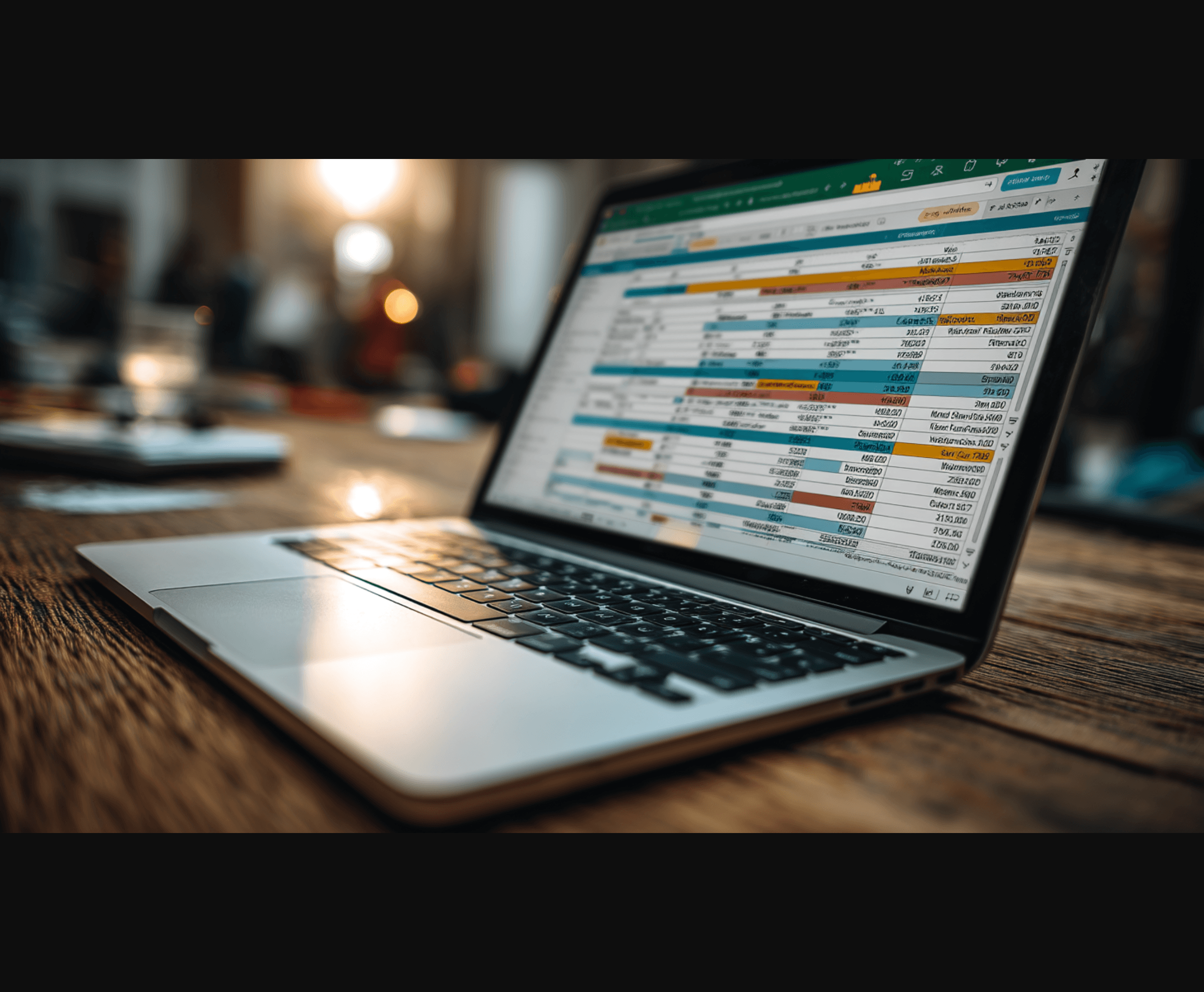
Automating Slack with Google Sheets: Posting Unique Messages from a Spreadsheet
I recently tackled this exact challenge, and after some tinkering with Google Apps Script and the Slack API, I’ve got a solution that works like a charm.

Mastering Slack Canvas Automation: A Journey Through API Quirks
From chasing ghost endpoints to battling undocumented limits, this journey taught me more about the Slack API than I bargained for.
How projects usually work
Start narrow, prove the workflow, then expand only when the operating value is clear.
Step 1
Diagnose the workflow
Clarify the job, the current tools, the handoffs, and the cost of the messy parts.
Step 2
Map the data path
Identify where records start, where they drift, and what the team actually needs to see or trigger.
Step 3
Ship a working slice
Build the smallest useful automation, dashboard, script, or internal panel that proves the system.
Step 4
Document and hand off
Leave behind the operating notes, setup details, and maintenance path so the system can keep working.
Bring the office bottleneck.
A good first note includes the service software or accounting tool, the recurring follow-up or admin pain, the people affected, and what would count as a useful first win.